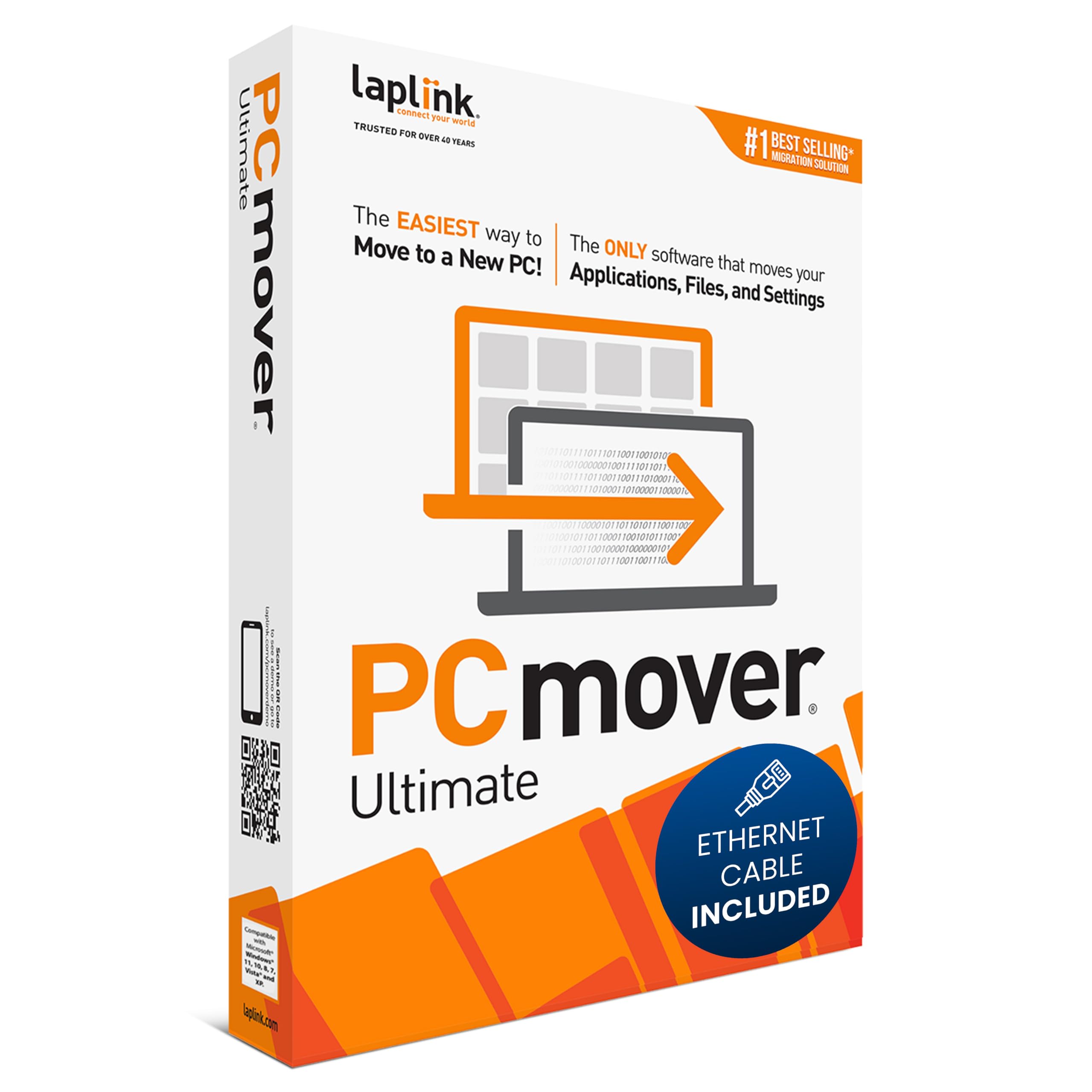
Laplink PCmover Ultimate 11 - Migration of your Applications, Files and Settings from an Old PC to a New PC - Data Transfer S
4.2 | 6,442 ratings
Price: 44.95
Last update: 05-16-2026
About this item
- FAST AND EFFICIENT TRANSFER OPTIONS - Seamlessly migrate your PC with Laplink’s PCmover, featuring download instructions for PCmover and SafeErase to securely wipe old data, plus an optional Ethernet transfer cable. Now includes Wi-Fi Direct for faster connections. One license allows unlimited transfer attempts from one source to one destination computer; additional licenses are required for more PCs.
- AI-ASSISTED TRANSFER INSIGHTS - PCmover’s AI Assistant generates a clear summary of transferable items, lets you ask questions, make adjustments, and recommends the best options for your migration. Enjoy a personalized, interactive setup experience that guides you step-by-step.
- MAXIMUM PERFORMANCE AND RELIABILITY - Get speed and efficiency with PCmover’s optimized transfer methods, including new AI and Wi-Fi Direct to ensure the fastest, smoothest connection possible. Say goodbye to long wait times and start using your new PC right away.
- COMPLETE SELECTIVITY FOR CUSTOMIZED TRANSFERS - Enjoy full control with PCmover’s selectivity feature. Choose specific applications, files, folders, and settings to transfer for a tailored experience. With the option to "undo" changes, PCmover makes it easy to fine-tune your migration to fit your preferences.
- SEAMLESS COMPATIBILITY ACROSS WINDOWS VERSIONS - Easily transfer data between Windows XP, Vista, 7, 8, 8.1, 10, and Windows 11. PCmover’s comprehensive compatibility ensures reliability across platforms, so your data arrives exactly as it should.
Product details
- Is Discontinued By Manufacturer : No
- Product Dimensions : 5.25 x 1.25 x 7.5 inches; 3.53 ounces
- Item model number : Ethernet Edition
- Date First Available : October 26, 2017
- Manufacturer : Laplink Software
- ASIN : B076VQ4Y4J
- Best Sellers Rank:#11 in Software (See Top 100 in Software)
- PC Maintenance
- Customer Reviews:4.24.2 out of 5 stars(6,117)
Top reviews from the United States
- TJAmazing Product I Wish I Knew About Sooner!I had my HP Windows 10 computer for more than 15 years that I purchased at Costco. I wished I would have known about Laplink PCmover many years ago. I held off from upgrading to Windows 11 buying a new computer because I had many programs that I could no longer re-install because I no longer had the CD or the download link. When I discovered Laplink PCmover I decided to take a chance and buy a new computer W11 and see if I could move all my programs to my new computer W11 with Laplink PCmover Ultimate 11 with the data cable. WOW! 3 hours later and moving over 100 GB worth of data - programs, I was in total disbelief. I purchase the software with the data cable and I was impressed with the speed that it took to move over 100 GB of data and setup the programs in W11. Keep in mind that the speed to upload is dependent on your internet service and not the program. The software program design looks great and easy to use. Very user friendly. Anyone can use this program without any problems. PCmover Ultimate 11 moved 99% of my programs even the ones it flagged as being unsafe. I could not believe it. I held off from reviewing the product because I was expecting to get the Blue Screen of Death and lose everything. To my surprise and more than a month later all my programs run great just like they did on W10. I am SHOCKED! The functionality of Laplink PCmover is beyond amazing. This software is prefect companion for migrating any and all PC applications from one computer to another. IT IS AMAZING. It is worth the cost of this software. If I had to do it all over again, I would be more inclined to do it immediately and not wait like I did even after I found out about Laplink. This software is legit!
- NanaGreat product!!!I highly recommend this product. I have used this software two times to transfer data from old computer to new and also to a laptop. Works very well and the customer service is terrific. I ran into an issue last time due to my own mistake and they were very helpful to help me correct. This is very easy to use!!!
- Warin West-ElPretty Darn GoodUsed this to move from a Windows 10 laptop to a Windows 11 laptop. The result was not as perfect as I had hoped, however, part of the blame falls on Microsoft - who decided to try and push onedrive storage down everybody's throats. Also part of the problem was, this was my first transfer. So I hadn't realized all of my microsoft store purchases were still available to me. I tried for two days to buy a program I thought was missing after the transfer. But my purchase wouldn't go through. Turned out I couldn't buy what I already had. Nevertheless, for two days I was in the dark and blamed my frustration (of not being able to purchase that program) on the transfer software.
Soooooooooooo
Part of your experience will depend upon to what degree you know all the angles necessary to normalize your desktop and partitions with the least amount of effort. On the whole, this software worked quite well. However, I wish they had programmed in an option dialogue box. Giving the user an opportunity to checkmark boxes of the features they might want (ex. Microsoft OneDrive) while not installing features they don't want.
IMPORTANT TIP
This product has price levels but if you're smart you'll investigate what options you have for ports and pick the level that takes advantage of the fastest ports you have. Remember, you're gonna be sitting around waiting for the transfer to complete. THAT'S when you'll appreciate having invested in a faster speed. - Brent P.Easily transferred all of my files and programs to new PCI recently upgraded to a new Dell PC because my old one could not support Windows 11. I was looking for a simple way to transfer everything (files, programs, music, photos, etc) to the new PC without having to drag and drop or redownload the programs I had previously installed.
PC Mover was the perfect solution. The software was very intuitive and the included high speed data cable sped up the process. I didn’t have any issues with the data transfer, and when the process was complete, my new computer was basically a mirror image of my old one. I have used other methods to transfer data in the past, but this was the best by far. Well worth the cost, I would highly recommend it to anyone. - BlankFrankTransfers Totally And EffectivelyThe fact that Windows 10 support was about to be abandoned combined with the realization that my old PC was too old to upgrade to Windows 11 forced me to buy a new PC and in order to make the transition as easy as possible, I bought the Laplink PC mover and I am 100% satisfied with the end results. It perfectly transferred every photo, all my documents, files and folders, all my iTunes and everything arrived on the new PC working exactly as it had before, only faster.
The cost for the software is minuscule compared to the cost of having it done at a computer repair store, the directions were easy to figure out and accomplish and even with the fastest transfer speed, it required more than 18 hours to complete. You have to download and install the software to the old and the new PC, but once pared, it was smooth sailing and mostly hands off. Once the transfer is complete, you can completely erase the old PC completely.
As someone who lacks a lot of the PC savvy my grandsons are growing up with, the Laplink software saved me a lot of time and frustration and I've already let all my friends who are upgrading their PCs to use this service. - DaveWorks as AdvertisedBought the 2 license with transfer cable. Clear instructions. Smooth transfer on both computers. Let's some customization. Did not transfer 100% of links & settings but very good. The only issue was software with license keys ( ie.. MS Office app). Brought them over but you need your key to reactivate (which of course I couldn't find). I especially give high grades to customer support. Had one or two issues (my fault) and did on line chat support......got answers in less than a minute each time.