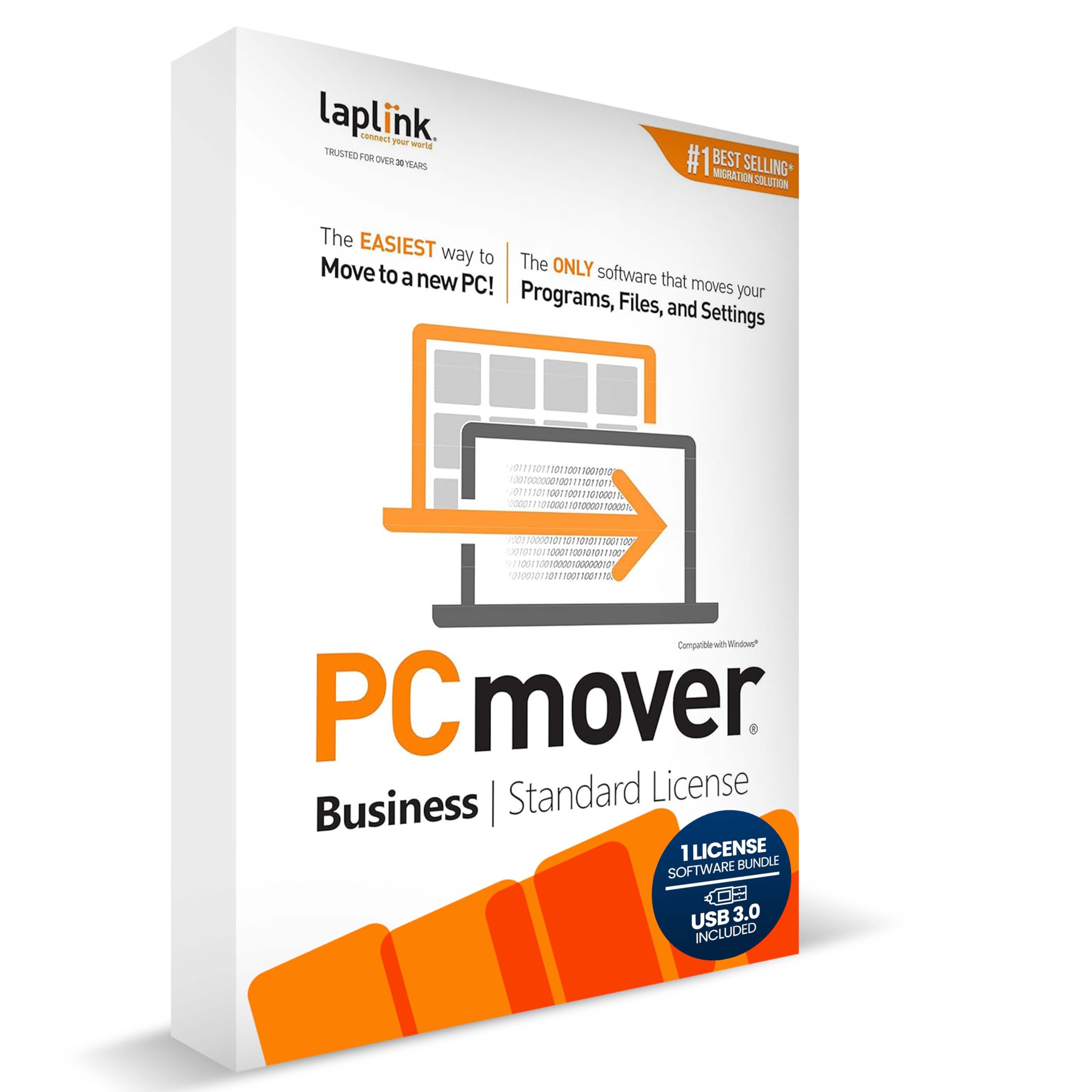
Laplink PCmover - Easy Migration of your Applications, Files and Settings from an Old PC to a New PC - Data Transfer Software
4.1 | 60 ratings
Price: 68.95
Last update: 04-20-2026
About this item
- Effortless PC Transfer Process: Laplink PCmover Business simplifies migrations with an intuitive interface and AI-assisted guidance, generating transfer summaries and handling user questions. Upgrade from manual transfers to seamless migrations with PCmover’s intelligent AI assistance.
- Versatile Licensing Options: PCmover Business offers flexible licensing with Standard License tiers for 1, 5, 10, or 25 transfers. Perfect for individual or multi-PC migrations, PCmover covers all costs upfront and ensures an ideal solution for every migration need.
- Comprehensive Data Transfer: Transfer apps, files, folders, and settings with full control. PCmover’s new AI-powered summary provides clear insights on transferable items, ensuring a personalized and hassle-free transfer experience.
- Flexible Undo Functionality: Enjoy peace of mind with PCmover’s easy “undo” feature, allowing you to reverse any changes post-transfer. Adjustments are simple, ensuring a smooth and stress-free transfer from start to finish.
- Intelligent Connection Selection: PCmover’s AI process identifies the best connection, including new Wi-Fi Direct, for faster transfers. Configure your settings, start the process, and let PCmover handle the rest for effortless migrations.
Product details
- Product Dimensions : 5.25 x 1.25 x 7.5 inches; 5.75 ounces
- Item model number : Business - Standard License
- Date First Available : October 8, 2019
- Manufacturer : Laplink Software
- ASIN : B07YVBH82C
- Best Sellers Rank:#195 in Software (See Top 100 in Software)
- PC Maintenance
- Customer Reviews:4.04.0 out of 5 stars(45)
Top reviews from the United States
- dcbartGreat Migration SoftwareI recently replaced an older desktop in our office. Laplink PC Mover works as advertised. Following the instructions in the User Guide, I was able to move all programs and files with no issues. I have successfully used PC Mover before and will continue to use it any time I have to do a migration to a new PC. I highly recommend PC Mover.
- stanislaw banasWORTH TO BUYWORKS AS IT SHOULD AND EASY TO USE GOOD JOB
- bookloverNot worth the moneyNo instructions and not intuitive. I would not recommend this product because it did not transfer any of my programs. My backup did more to restore my files accurately.
- VeeGoodGood transfer software. Better instructions is definitely needed but I got it up and running.
- James GrayTransfer easyIt works
- christian beecroftusing usb transfer cable is a lot quicker then wifi.transfering the entire data from old to new. transfering just what is needed.
very happy with the software, recommend it for any level user. - LitlJayGREAT transfer solution, with caveatsI've been using PC Mover for years and years to transfer customers from an old computer to a new one. It really shows its value when the old computer is a different operating system than the new one. It will cleanly transfer all of their data and most of their programs, although sifting through the stuff they have installed over the years can get tedious. I've also had issues with Office licensing after the transfer.
IF THE OS IS THE SAME, SAVE YOUR MONEY. Use Veem Endpoint Backup (it's free) with a portable or external hard drive and do a bare metal restore to the new computer. That way, everything will be EXACTLY as it was on the old computer and there will be no licensing headaches. - ernest silcoxNO HELPAI AND CHAT OR TOTAL NOT HELPFUL TO CONNECT THIS PRODUCT FOR USE. The product IS NOT DESCRIBED PROPERLY.