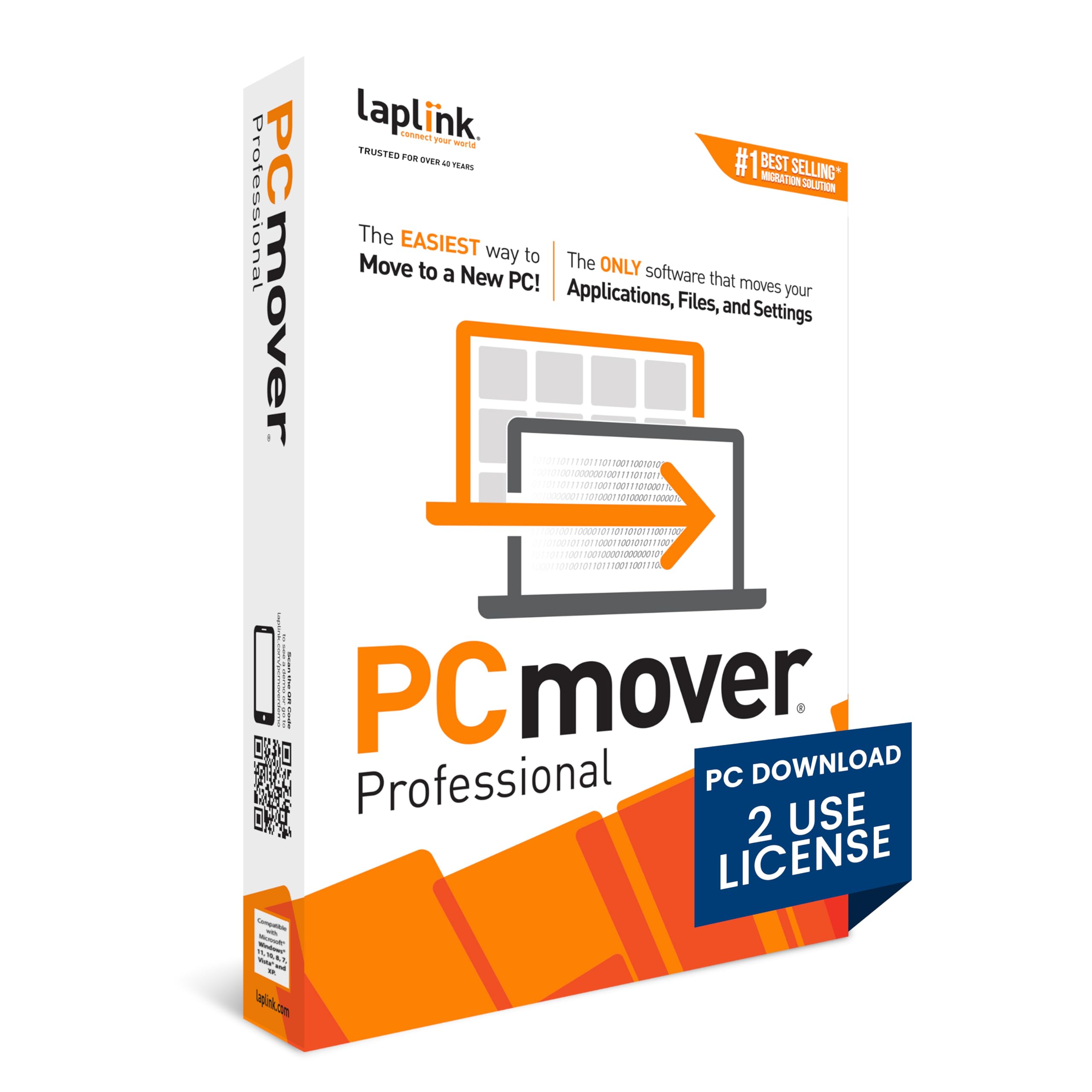
PCmover Professional 11 (2 Uses) [PC Download]
4 | 224 ratings
Price: 69.95
Last update: 03-27-2026
About this item
- Easy-to-Use – Install PCmover on both of your computers and follow the simple wizard to transfer everything you select to your new PC.
- Set It and Forget It – You start the transfer and walk away. PCmover does the rest!
- PCs Auto Connect – Discovers and connects PCs using the fastest method detected.
- Optimized for Fastest Transfer – Provides maximum performance and time savings. You will quickly be using your new PC with everything ready to go.
- Complete Selectivity – Automatically transfers all selected applications, files, folders, settings, and user profiles to your new PC.
Product details
- Date First Available : April 4, 2019
- Manufacturer : Laplink Software, Inc.
- ASIN : B07QC91B66
- Best Sellers Rank:#39 in Software (See Top 100 in Software)
- PC Maintenance
- Customer Reviews:4.04.0 out of 5 stars(218)
Top reviews from the United States
- CORe SpecialistsWorks well and saves timeThis was my first time using Laplink PCmover Pro. I used it to migrate a client's data & applications from a Windows 10 desktop to his new Windows 11 desktop.
As an IT professional, I typically run fresh installs of client software on new computers but, in this case, my client did not have installation files for many of his legacy programs, many of which were professional programs that would have been expensive to repurchase just for reinstallation. In addition, the reconfiguration of his programs would have been a nightmare of logistics and time.
The transfer process via Ethernet was fast and worked as advertised. All programs and user data were transferred successfully and everything worked once the proper licensing information was re-entered. My client and I could not be happier.
A clean installation of programs and user data is ideal but in cases where this is not feasible, PCmover is a viable alternative. - Beatles FanPCmover Has Proved InvaluableI have needed to use PCmover on 2 different occasions. The first was when I purchased a new laptop and the other was when I had to reinstall Windows on my desktop. In both instances PCmover enabled me to quickly move my various applications and data from the one machine over to the other. The process was simple and straightforward. I installed PCmover on both machines and then selected what apps, app settings, users, user settings and data I wanted moved over. PCmover saved me hours if I had to reinstall all of my apps individually from one machine over to the other.
- rcooper5908Not worth anything anymoreBring back the windows built in pc migration tool and not this horrific mess. I am a professional so these are not the musings of a home user. Just did a Win10 pro to Win 11 pro upgrade for old PC to new PC. It trashed the following applications completely , requiring complete reinstall.
1. Office 2010 Yep, destroyed it could not start up could not repair had to remove and reinstall
2. OcsInventory listed on the absolutely can migrate column. Butchered so badly not only
uninstall but several times while I worked through fixing the registry and persmissions
so it could be reinstalls properly
3. Did not migrate a single setting from Edge
4. Did not migrate a single setting from chrome
5. Broke a functional CDK drive application and I did not ask it to migrate or touch what was
there.
Now it did give a minor warning (off to the corner under the sections) about a user profile issues and when I looked at it it said the names did not match. THE ACTUAL USER NAME/PROFILE WERE IDENTICAL WITH SAME PASSWORD AND EVERYTHING! What was different was the user DESCRIPTION example
User Name Office Workstation vs User Name CFO Office Workstation. In any event I will never buy the product again for home or professional use and I have already sent out an email to my most important colleagues and so far 2 have replied basically, "yeah that's how it is now" - Amazon CustomerSuccessfully transfers most applications and files from Windows 10 to Windows 11My old PC was purchased in 2013 with Windows 8. It had been updated over the years eventually to Windows 10 but didn't have the specs to support Windows 11.
I purchased a new HP PC running Windows 11 and when I asked HP customer service how to transfer my applications and files from the old PC to the new one they recommended using PC Mover.
I had dozens of applications and more than a terabyte of files to transfer. I used the ethernet version to connect the 2 PCs and ran the transfer overnight since I knew it would take hours. The next morning it was finish and listed all applications showing if they were transferred or not. By default, it only transferred the most current version of Microsoft applications. I have some very old files that I prefer to use the old MS 2002 version so I ran PC Mover a second time and manually selected those version to transfer and it worked.
I strongly recommend PC Mover for anyone needing to transfer an old PC to a new Windows 11 PC. It was much easier than trying to manually load all my old applications and transfer the files. It was well worth the purchase price. - Will SlaughterWorks well but beware of OneDriveIt worked very well except it put my desktop and pictures into OneDrive and the only warning I got was an obscure statement about exceeding my cloud storage. It was very time consuming for me to move the files back to only on my computer since I don't use onedrive because of the cost. I use a more affordable solution.
- Garden HappyFailed to move everythingIt moved a fraction of my data, perhaps 350MB and a few programs to a new PC and it ran for many hours to do that much. Was not able to go back and retrieve more. Disappointed!
- compugirlFastest way to move to new computerFirst time user. It is awesome to buy new desktop, facing software installation is a bad part. I though about moving disk from old to new computer, but fresh installation is always best. So, after reading instructions and reviews, decided to try it. Initial estimate 1-2 hrs transfer over 1gb ethernet. I was surprised it worked so well. Some programs like Norton, backup or other that make significant changes to system are skipped or have to be reinstalled, but it is worth saving few hours. Awesome program.
- benYou don't need thisYes it move files but the one you need it's do not move but it will move windows updates 5 years ago this go capy it go usb past insert in new pc fine run - setup