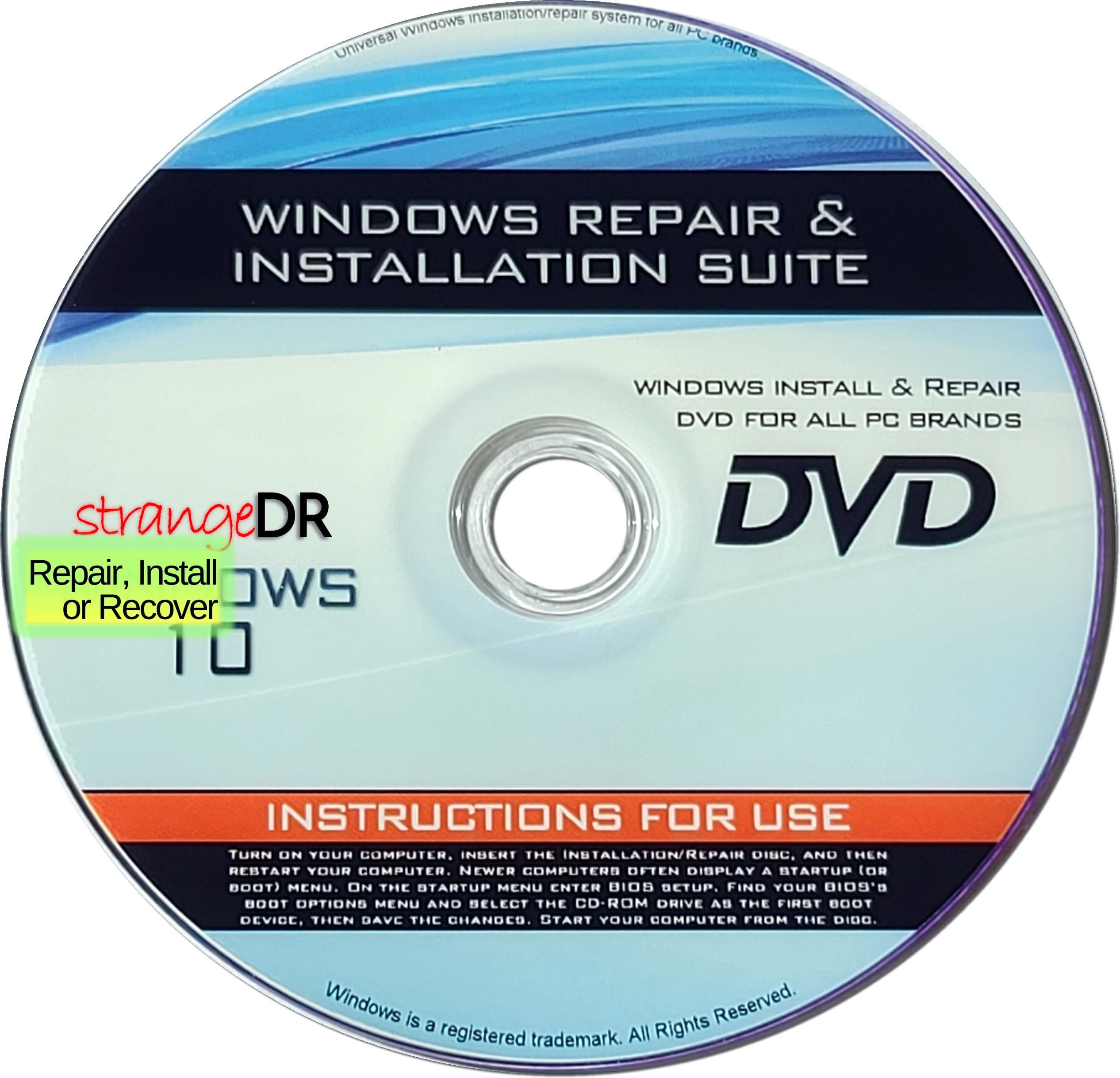
strangeDR's Reinstall DVD Compatible with all Versions of Win 10 for 32/64 bit systems, Recover- Restore- Repair Boot Disc. I
3.3 | 12 ratings
Price: 19.15
Last update: 04-20-2026
About this item
- StrangeDR’s Reinstall DVD is a powerful all-in-one recovery, restore, and repair disc compatible with all versions of Windows 10 (32-bit and 64-bit). Easily fix boot issues, repair corrupted systems, or reinstall Windows back to factory-default condition.
- Designed to troubleshoot and repair common Windows 10 problems, this bootable DVD helps resolve startup errors, system crashes, and corrupted files. Boot directly from the disc to access recovery tools when your PC won’t load Windows.
- Restore your PC to factory defaults or perform a clean Windows 10 reinstall using this recovery disc. Ideal for slow systems, malware damage, or preparing a PC for resale. A reliable solution for both home users and technicians.
- Fully compatible with all Windows 10 editions and both 32-bit and 64-bit systems. Whether you’re repairing a laptop or desktop, StrangeDR’s Reinstall DVD provides full access to recovery and repair options to get your PC running again.
- Save time and money by repairing your PC yourself. This tested and ready-to-use boot disc gives you the tools needed to recover, restore, and repair Windows 10 systems without expensive repair shop visits. A must-have emergency tool for any PC owner.
Product details
- Product Dimensions : 5 x 5 x 0.1 inches; 1.76 ounces
- Date First Available : March 15, 2015
- Manufacturer : strangeDR
- ASIN : B0DQLGS54K
- Best Sellers Rank:#144 in Software (See Top 100 in Software)
- PC Maintenance
- Customer Reviews:3.33.3 out of 5 stars(12)
Top reviews from the United States
- AmyGreat product for cheapThe item worked good, just followed the instructions and changed the boot process. I set it to allow the DVD drive to boot before the hard drive. The PC defaults are set to the hard drive as the 1st boot device. To use this DVD disc, change the DVD drive to the first boot device and the hard drive as the 2nd device.
After that, save your bios/uefi, insert the DVD and restart the PC.
After the restart, the system asks you if you want to load from the DVD, windows setup, say yes and just follow through the prompts.
After the system has time to do its thing, it will reboot once complete. After at most an hour, your system will be back up and running. Most, if not all drivers will be loaded.
Enjoy - MEGABYTEDidn't work for me.Not really the fault of the product, I just have a 10 year old computer and the hard drive died. It hand Windows 10 which is now obsolete and my machine won't upgrade to Windows 11. Time to move ahead with plan B as soon as I can figure out what that is. :(
- EddieGood productGreat product
- PhotogirlWorked great…On windows 10 was very slow and it did speed it up…