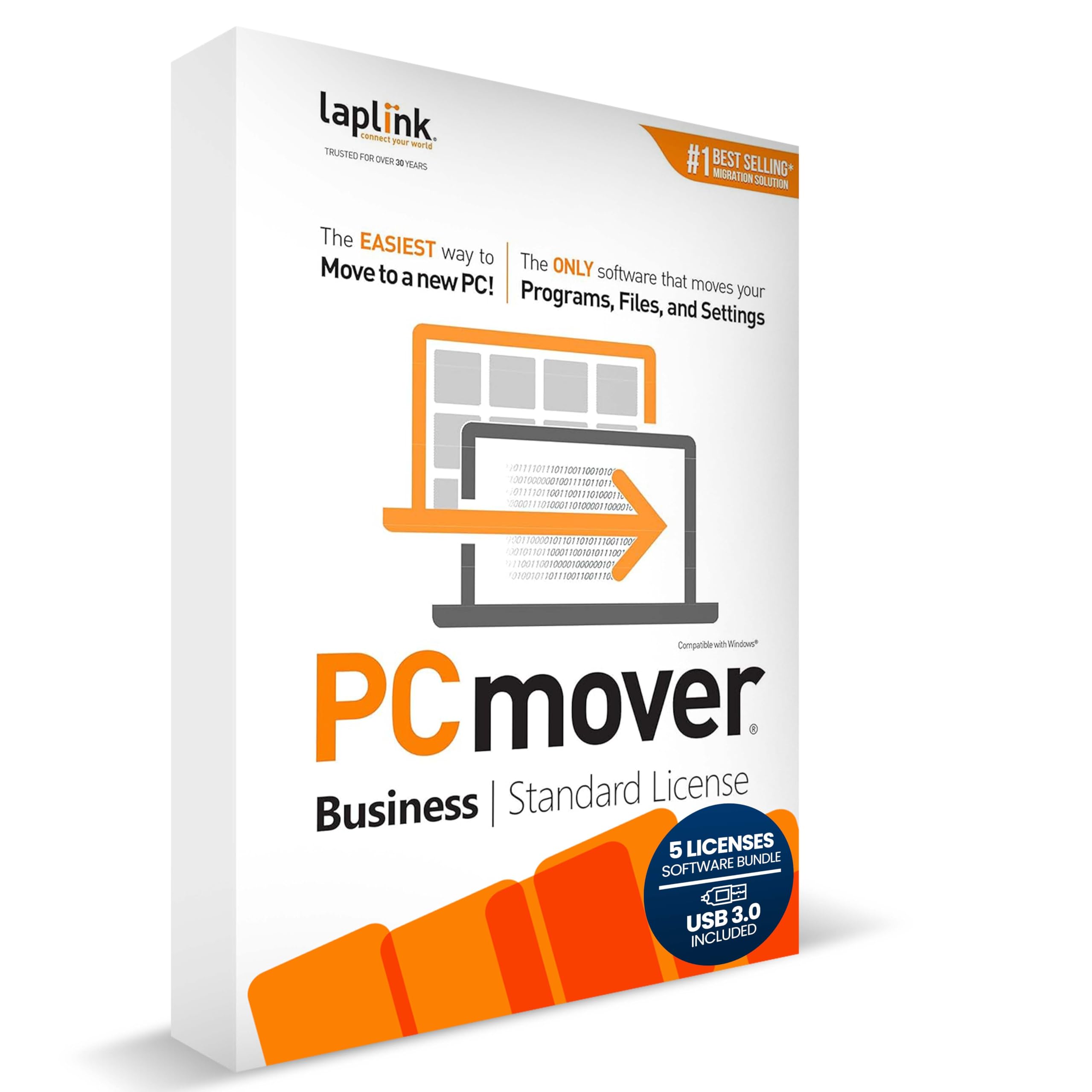
Laplink PCmover - Easy Migration of your Applications, Files and Settings from an Old PC to a New PC - Data Transfer Software
4.1 | 60 ratings
Price: 230
Last update: 04-17-2026
About this item
- Effortless PC Transfer Process: Laplink PCmover Business simplifies migrations with an intuitive interface and AI-assisted guidance, generating transfer summaries and handling user questions. Upgrade from manual transfers to seamless migrations with PCmover’s intelligent AI assistance.
- Versatile Licensing Options: PCmover Business offers flexible licensing with Standard License tiers for 1, 5, 10, or 25 transfers. Perfect for individual or multi-PC migrations, PCmover covers all costs upfront and ensures an ideal solution for every migration need.
- Comprehensive Data Transfer: Transfer apps, files, folders, and settings with full control. PCmover’s new AI-powered summary provides clear insights on transferable items, ensuring a personalized and hassle-free transfer experience.
- Flexible Undo Functionality: Enjoy peace of mind with PCmover’s easy “undo” feature, allowing you to reverse any changes post-transfer. Adjustments are simple, ensuring a smooth and stress-free transfer from start to finish.
- Intelligent Connection Selection: PCmover’s AI process identifies the best connection, including new Wi-Fi Direct, for faster transfers. Configure your settings, start the process, and let PCmover handle the rest for effortless migrations.
Product details
- Product Dimensions : 5.25 x 1.25 x 7.5 inches; 4.8 ounces
- Item model number : Business - Standard License
- Date First Available : October 8, 2019
- Manufacturer : Laplink Software
- ASIN : B07YVJYFJZ
- Best Sellers Rank:#141 in Software (See Top 100 in Software)
- PC Maintenance
- Customer Reviews:4.14.1 out of 5 stars(60)
Top reviews from the United States
- SpikeLacks DirectionsI have an old HP laptop that still works fine, but that could change at any time. Also, I need to replace the battery which could potentially create problems. Therefore I purchased this Laplink PCmover to transfer the contents of the old HP to a new laptop. I purchased this particular version because it included a data transfer cable to connect the two computers. As it turned out, the program advised me not to use the cable because a wireless transfer would be faster.
I had to do some internet research to determine how to proceed with the transfer because PCmover didn't provide sufficient information, a definite problem. Finally, with the needed information in hand and both computers ready, I started the transfer process.
It took nineteen hours to complete the transfer, but I am happy to say it worked perfectly. My new computer looks and acts just like my old computer, at least so far. The lengthy transfer time was due to massive numbers of photographs that were transferred.
Other than a lack of directions this product is superb, and it gets five stars. - Jon GreenfieldWorthwhileVery Helpful. I bought a new computer and this program helped the transfer of programs and data and saved me hours of reinstalling everything
- James T.Hidden Monthly FeesThey don't tell you in advance, but to use this you have to register as a technician and pay a monthly fee.
Don't buy this product!! - Dan K.Follow instructions closelyWorked well
- BartIssue with PCmoverIf a newer version of the Microsoft office suite exists on the new PC; the activation code gets changed and you need a new key or uninstall and re-install the office suite to get it to work properly. It is a hassel.
- VeeGoodGood transfer software. Better instructions is definitely needed but I got it up and running.
- dcbartGreat Migration SoftwareI recently replaced an older desktop in our office. Laplink PC Mover works as advertised. Following the instructions in the User Guide, I was able to move all programs and files with no issues. I have successfully used PC Mover before and will continue to use it any time I have to do a migration to a new PC. I highly recommend PC Mover.
- carterrhRead about license before purchasingThis software worked very well in copying everything from one business computer to another. The only issue I had was that I purchased the 5 license pack thinking that I could do 5 computers with those licenses. NOT SO. Those 5 licenses only covers that one pc … I feel that I’ve lost 4 licenses. I will have to purchase this one license at a time for my future customers. I don’t have a problem doing that, but wish it would have been more clear.