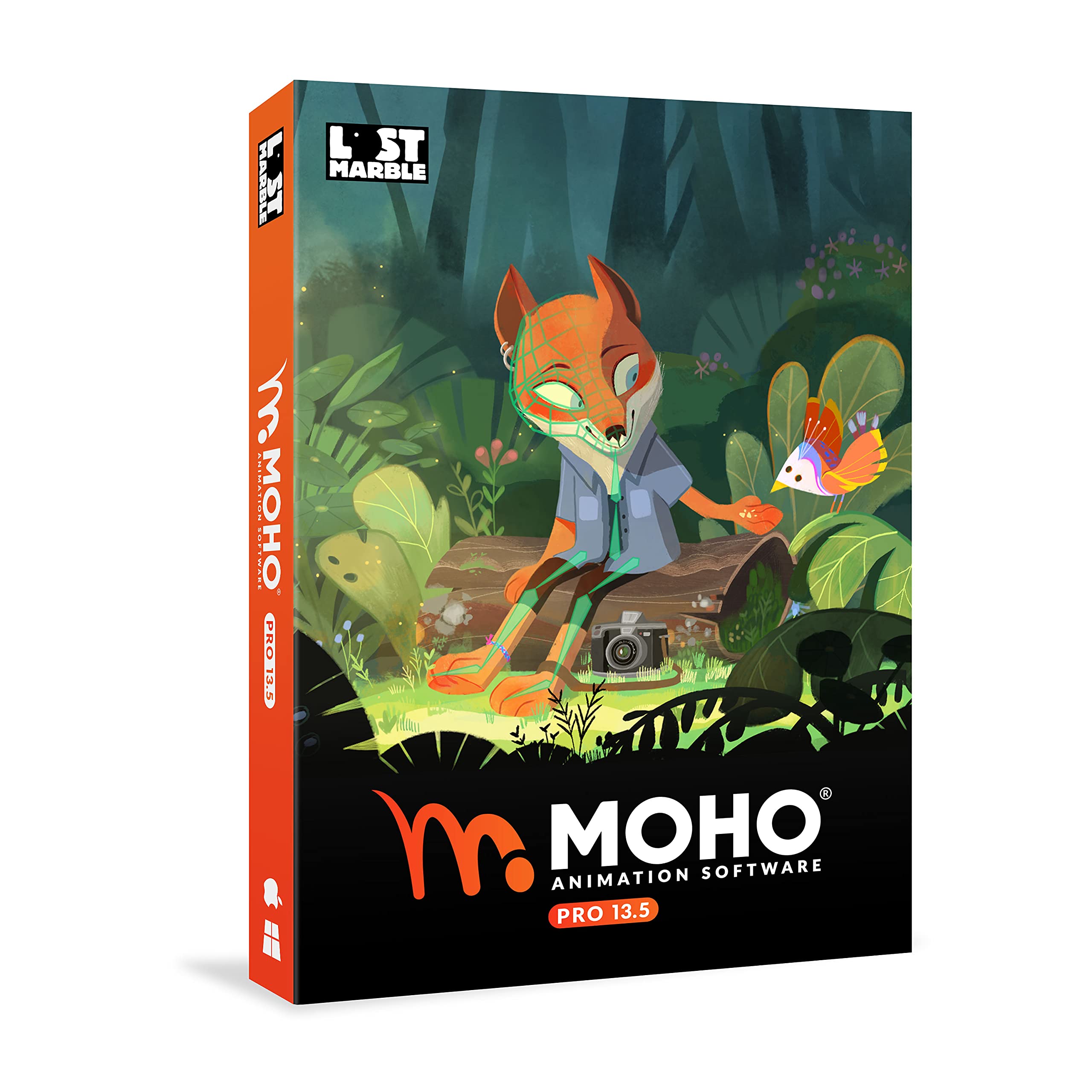
Moho Pro 13.5 | The all-in-one animation tool for professionals and digital artists | Software for PC and Mac OS
4.5 | 82 ratings
Price: 94.99
Last update: 04-02-2026
About this item
- Powerful Vector Drawing Tools optimized for animation and Photoshop’s PSD files integration to easily import, rig and animate your bitmap characters and backgrounds.
- The most powerful 2D and easy to use rigging system on the market, including Smart Bones, Vitruvian Bones, FK (forward kinematics) & IK (inverse kinematics), Advanced Constraints, Shy bones and much more.
- Create meshes to simulate 3D rotations, animate gestures, bend and manipulate your pictures in any way you want. The power of a 3D character, but with the simplicity of 2D!
- Automate your animation with Physics, Particles, Dynamics and Wind.
- Take full control of your animation with the Timeline, Graph mode and multiple interpolation modes.
Product details
- Is Discontinued By Manufacturer : No
- Product Dimensions : 5.3 x 0.6 x 7.6 inches; 3.53 ounces
- Item model number : MOHOPRO135ENFULP
- Date First Available : June 30, 2021
- Manufacturer : Lost Marble
- ASIN : B0989T5V91
- Best Sellers Rank:#118 in Software (See Top 100 in Software)
- Animation & Anime
- Mac Software
- Customer Reviews:4.54.5 out of 5 stars(76)
Top reviews from the United States
- Amazon CustomerPrice. my hobby is short animations, and can’t afford $400.Quite the find, I have been looking for quality animation software for a while now. I have used Anime Studio 9.5 pro, and this is an upgrade at a great price.
- odetomyThe Pro version of this software offers MP4 exporting, unlimited timeline frames, and smart bonesSo far, I am LOVING this program. For quite a few years, I have used some different versions of Anime Studio Pro and Debut and even the Debut version of Moho. And, finally, I was able to purchase this Pro version of Moho 13.5. I tell you, it's like a whole new world has opened up for me with my animations. With the old Anime Studio versions, you had to save animation in the AVI file types. AVI files are bloated and take up a lot of file space. Also, the animations were a little more pixelated. But with Moho, you can save as MP4 with no problems and the images are very good quality. Also, a thing I love about the Pro version of Moho is that your timeline can be stretched very big. The Debut versions only allow your timeline to go to 3,000 frames. So if you are set to 24 frames a second, that gives you about 125 seconds of animation. Where as the Pro timeline is pretty much unlimited. The Pro version of this animation also has smart bones. Where as, the Debut versions don't. I am LOVING the smart bones, especially the smart bone dials. Then you have the pin bones, which are great for connecting the eyes, brows, etc. to for movement. The pin bones just have one little point in the center of the bone, which are different from the regular (triangle shaped) bones. You can move the bones up and down, or side to side, or wherever. And anything connected to them will go where that bone goes. Anyway, I am uploading a video that shows a little of what I'm talking about with the regular smart bones and the timeline. There are many tutorial videos on social media about this program. So, once you give it a try and watch those videos, it should be pretty simple to use, as you get the hang of it. One thing that you need to know, though, is if you already have Moho Debut 13.5 on your computer, you will have to deactivate the license/activation number before the Pro version will take. I found this out the hard way. Also, if you can't load up the program from the CD, the CD info provides a link to where you can currently load up this program from the company's website. And the activation number that comes with the CD should work with that internet download.
- bobbybutterflyGreat software!Once you get used to it, it’s very capable and fast. I find it more elegant and much faster in viewport performance than Animate or Harmony.
In consideration of the high cost of harmony and the missing updates in Animate, Moho is undoubtedly the way to go. - Bill LoguidicePowerful software for the semi-pro enthusiast, but be ready to learnI'm no animator. I'm not even an artist. I am a dabbler, though, so I was particularly intrigued by the possibilities with Lost Marble's Moho Animation Software Pro 13.5. Although I could have opted for Moho Debut 13.5, which is a simplified and much less expensive version of this software like Adobe Photoshop Elements is to regular Photoshop, just like with Photoshop I would rather try and work with the best version of the software whenever possible.
Skeletal animation, or rigging, has been one of the great boons for animated shows and other projects. What it essentially involves is a surface representation called a mesh or skin over a hierarchical set of interconnected parts called bones that collectively form the skeleton or rig. In its simplest terms, this setup allows the animator to more easily and realistically make characters move with less effort. One of my favorite shows, Rick and Morty, makes use of these concepts, and is at the heart of Moho Animation Software Pro.
Of course, if you're considering software at this price point, which is high, but not outrageous, you're likely familiar with many of its concepts, including Smart and Vitruvian Bones, or at least willing to learn. Even though I'm a self-proclaimed dabbler, I do hope to use it for some professional projects now and again, as well as for fun personal experiments. So while someone like me should arguably go with Moho Debut 13.5 instead, the extra ambition and cost of this Pro software may be just the additional motivation you'll need to make more use of it.
As is typical for modern boxed software, you get a disc in a DVD-style case. There's no actual box like is implied on the store page. Inside of course are no instructions, just a welcome note, the serial number license code, and a discount for add-on products like additional assets. If you don't have a disc drive in your computer, or a USB add-on drive, you can simply download the latest version of the software from the Lost Marble website and enter the included code. In other words, the disc is superfluous.
Although not as powerful as some of my other computers, I decided to install this to my Surface Book 2 because of the touchscreen and pen support. While the software supports macOS 10.15 or higher, I of course installed the Windows 10 version on my computer, which also meets the relatively modest minimum requirements. You'll need just under 2GB of hard drive space for a full install.
Installation went smoothly. It required me to restart my computer to finish installation. The software icon is a stylized "m" and the software name is "Moho," although you'll also see it in marketing as "MoHo" and "MOHO". Once launched, it runs in its demo mode until you enter your serial number. When entering your serial number, be sure to enter the dashes or it won't work (capitalization doesn't matter).
When first starting the program, you're given the option of an INTRODUCTORY TUTORIAL (thankfully), an option to JOIN THE MOHO FORUM, an option to follow MOHO SOCIAL NETWORKS, and another option to BUY ADD-ONS. You can also choose not to show these opening options again and just start the software directly.
When you're in the software, a sample model is pre-loaded. You're able to manipulate the aforementioned bones and create timeline-based animations much like standard video editing software.
From there I began to tinker. Although I have yet to really make anything ready to demonstrate, it was indeed relatively easy to create and export simple animations, although the latter does take several minutes even with shorter creations and even using multiple CPU cores.
This is clearly powerful stuff for the dedicated enthusiast. Although the user interface is loaded and intimidating, it's again nothing out of the ordinary for this level of software. I feel like it's something I can eventually get a real handle on without issue, especially due to my background in other software like Photoshop.
Ultimately, I had a good time with the software. While I know you can read plenty of reviews from far more qualified artists and animators, as a casual user I can say it's well worth exploring if you have an interest in animation. It may not be for the true animation pros, but those who are well into the semi-pro enthusiast level should find a lot to like. - César RecioGenialExcelente gracias ????
- vineeshNice productnice
- AAmazonFantasic animation program!Ive been having a blast with moho! Hand animation is tough but creating characters and rigs is so much straight forward for me. Definitely pricey though, but it has helped me so much in my creative work.
- Edward C. RogersA preliminary reviewI purchased this software, for my YouTube channel. It's just for use to illustrate points I wish to accentuate. I have been through the manual, several times and completed the first tutorial. This will definitely be worth the money I investested. I am particularly excited that I can use my own art, for these projects. As stated, I've only completed the tutorial. So far, so good!!!