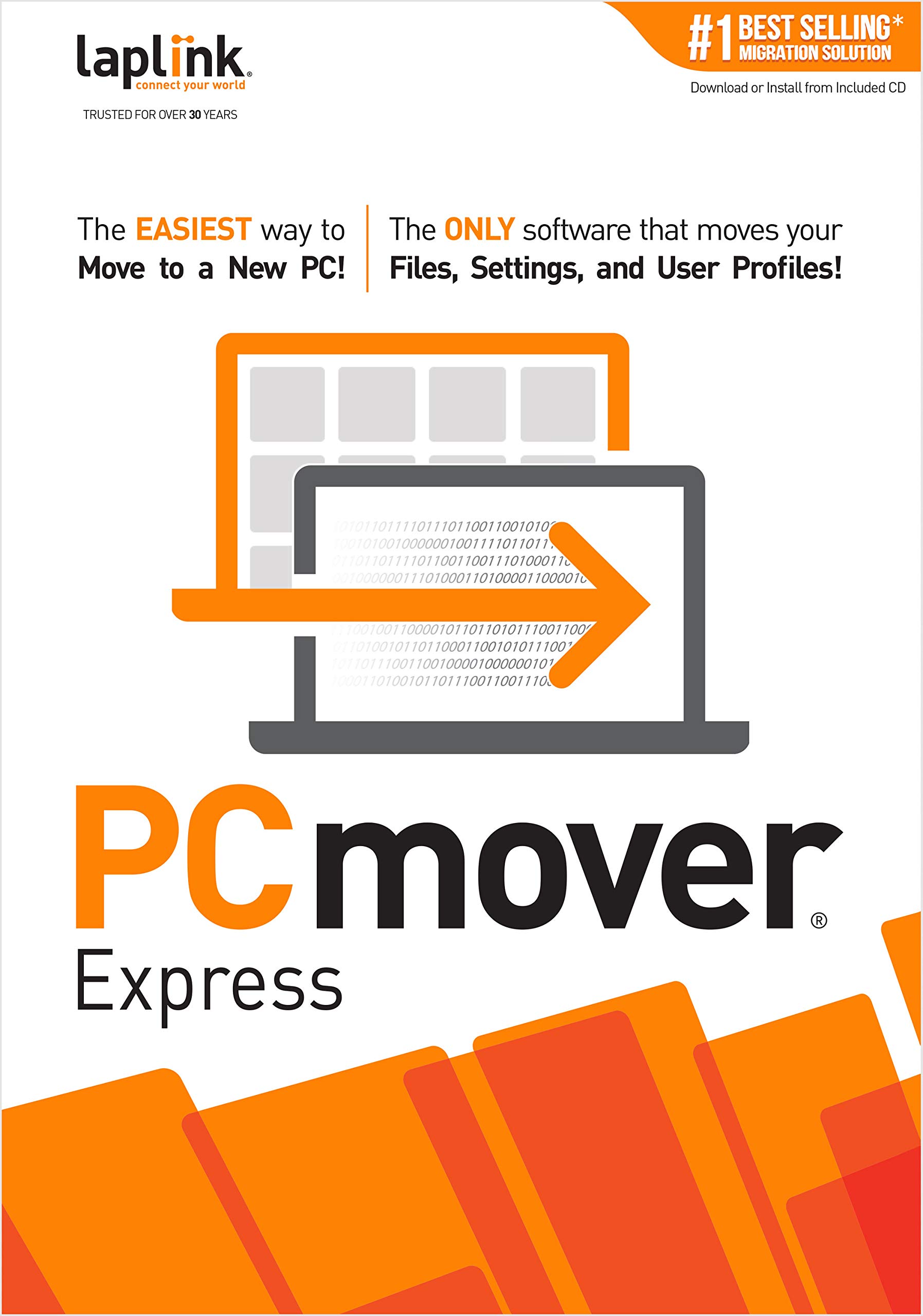
PCmover Express 11 (1 Use) [PC Download]
3.7 | 81 ratings
Price: 29.95
Last update: 01-31-2026
About this item
- Easy-to-Use – Install PCmover on both of your computers and follow the simple wizard to transfer everything you select to your new PC.
- Set It and Forget It – You start the transfer and walk away. PCmover does the rest!
- PCs Auto Connect – Discovers and connects PCs using the fastest method detected.
- Optimized for Fastest Transfer – Provides maximum performance and time savings. You will quickly be using your new PC with everything ready to go.
- Complete Selectivity – Automatically transfers all selected files, folders, settings, and user profiles to your new PC. PCmover Express does not transfer applications (get PCmover Professional 11 for that).
Product details
- Date First Available : April 4, 2019
- Manufacturer : Laplink Software, Inc.
- ASIN : B07QFBPDNT
- Best Sellers Rank:#143 in Software (See Top 100 in Software)
- PC Maintenance
- Customer Reviews:3.73.7 out of 5 stars(81)
Top reviews from the United States
- John EdwardsSimple to useWorked as advertised.
- AFBCExpress will not move Applicationsthe Express Version will not move any applications. You need the Pro version. I should have read the reviews. If you have trouble loading the download Laplink chat will quickly give you a working link.
- CLCIt moved all my important filesGot my new Windows 11 laptop and thank goodness for PC Mover. The Windows Store has a free version but it only moves the basics. I had over 50 favorites saved and it moved all of them! Well worth the price. I used the WiFi method to move everything and it took overnight. If you are in a hurry I recommend the transfer cable from PC Mover.
- Bustergiftworks grate
- Yale SchiffmanDoesn't work as advertisedDidn't move all my files and apps. Disappointing.
- RonLMakes moving to a new PC much easierUnlike Apple, Microsoft makes it as hard as they can to move to a new PC. In my case, I was moving apps to a new virtual machine (VM) on a new Mac. While I did need support from the PC Mover helpdesk, I did get the job done. Thank you!!
- ZidecoDoes the JobI bought the PCMover Express to transfer info/data/pics, etc from my old & outdated computer. It works just like it says. Just make sure everything is ready to transition because it is a one time use.
- Harold FilliezDon't buy this...horrible version, have used for years and somehow they slipped in the express version. Found out that it will not move programs. Need to bold this and