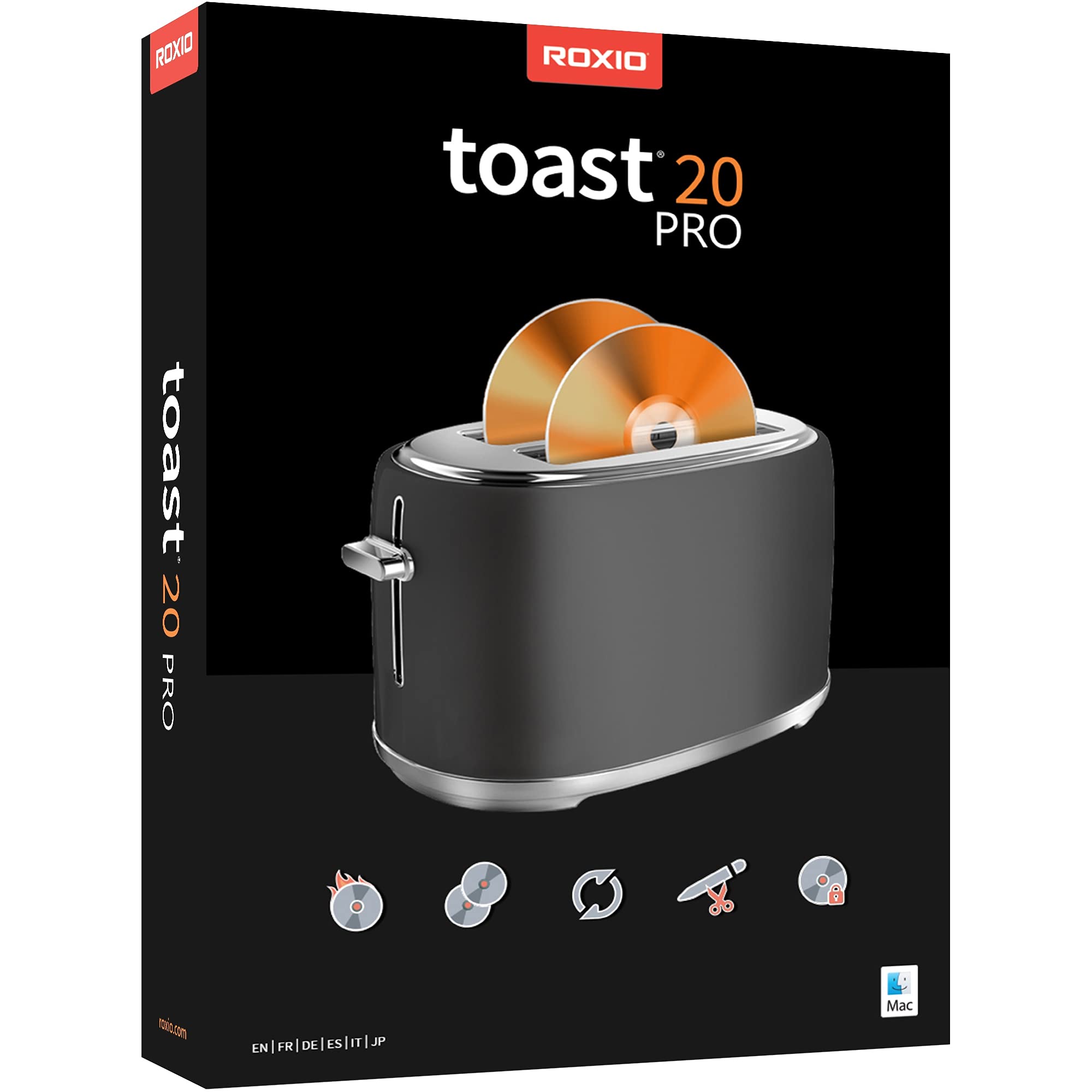
Roxio Toast 20 Pro | CD, DVD & Blu-ray Burner for Mac | Digital Media Management & Creativity Software Suite [Mac Disc]
3.5 | 97 ratings
Price: 89.99
Last update: 04-14-2026
About this item
- Burn, copy, convert, capture, edit, and secure your media to disc and digital formats—this release includes all the tools in Toast Titanium plus exclusive creativity and media management tools
- Burn photo, video, audio, and data files to CD, DVD, or Blu-ray with intuitive drag-and-drop controls
- Author personalized DVDs by choosing from 100+ templates or creating your own with the new Template Designer that allows you to customize the layout, background, music, text, and more
- Copy non-protected CDs, DVDs, and Blu-rays to digital files, convert between popular formats with the simplified file conversion tool, and duplicate discs to create backups
- Capture and edit media with a full set of easy-to-use tools to record your screen and webcam video, edit video and audio files, and photo edit with exclusive tools for photo art and digital painting
- Protect your important information on disc, USB, or zipped files with banking-level encryption and password protection
Product details
- Product Dimensions : 5.31 x 0.55 x 7.56 inches; 1.89 ounces
- Item model number : RTO20PROMLDVDAM-AZ
- Date First Available : September 20, 2021
- Manufacturer : Corel
- ASIN : B09CK4M9J3
- Best Sellers Rank:#73 in Software (See Top 100 in Software)
- DVD & Blu-Ray Movie Players
- Mac Software
- Customer Reviews:3.83.8 out of 5 stars(432)
Top reviews from the United States
- JengavbWorks greatJust what we needed to fill the gap after other companies dropped their support of burning DVDs. Works great.
- Ted TricheRoxio Creator NXT Pro 9The Roxio Creator NXT Pro 9 is a great program, and Amazon's price made the deal sweeter.
- ShardenblueSoftware crashes when trying to burn project to ISO fileSteer clear of this software, it crashes. See attached photo. Cyperlink's Power Director 21 cost about $30 dollars more, but it works. I have an HP Envy LAPTOP that I purchased within the last two years. It has plenty of memory and disk space. I spent hours working with with Corel engineering support to update video drivers, change Windows settings parameters, and to run any diagnostic that they asked me to try. One of their last suggestions was to go to Task Manager and randomly start deleting sub-processes from other programs running on PC. Corel Engineering Support thought that my PC had too many sub-processes, so without any logical reasoning, their suggestion was to blindly delete sub-processes without regard to whether they will break other programs. To eliminate their concern about sub-processes, I backed up my LAPTOP, then installed a clean copy of Windows 11. Besides the software that comes with Win11, there was no other software installed. I now had a minimally configured Win 11 HP Envy LAPTOP to test with. When I ran the Roxio Creator NXT Pro 9 software, it either crashed or caused a system hang. There must be a bug in the Roxio Creator NXT Pro 9 software, causing it to fail with some PC hardware/software, but not others.
I read a lot of negative reviews before purchasing, but thought I could work through any potential problems, using Corel's engineering support team
I restored my original image to my Win 11 HP Envy LAPTOP, installed a copy of Cyberlink's Power Director 21, and tried to burn a BLU RAY disk, using the same videos as I did with the Roxio Creator NXT Pro 9. Everything worked fine, without a hitch. In addition to that, the Cyberlink Power Director 21 has much more capability than the Roxio software. I didn't think that the software was returnable, but when I looked my purchase, there was a note that the last date to return it was March 3rd. If I had known that, I would have returned the software. As it is, I spent $88.00 and the software is useless. - The ScouterNot easy to use; User Guide was not fully detailed.I returned Roxio Creator 9 due to how complex it was. User guide was very limited and left out details. I found another product Oneshot to be a very useable software and it has company sponsored videos in detail on how to use their product. Oneshot is USA made and supported as is Roxio. I was wanting to split a very long multiple song file up, so each song would be its own file. Roxio did not look to have this capability, that I could find. I used Roxio in the past and depending on the needs of the user; it could be a good product for many.
- Sheryl E SmithDVD copierExcellent easy to use software to make dvds
- Raymond BensonInstallation with disc edition gave me issues, some programs not installedThree stars may be too generous. I bought the disc edition. When installed on Windows 11, I didn't get all the programs (AfterShot and PhotoMirage did not install). After going back and forth with Roxio Support for over a week, I finally gave up. All they would send me were links to reinstall, and that didn't work. It was a vicious cycle. At least the main program, the Creator NXT Pro 9 works, and the Corel PaintShot Pro works, and the WinDVD Lite works, and the WinZip Secure works. But I paid for the more expensive edition of the product, the "Pro," and didn't get two of the programs I was supposed to get. I suspect that further programming must be done with the installation of this product to work with Windows 11. Either that, or it's just a wonky product. Roxio Support was not very much help, either.
- Monte DahlNice appGreat program. This app is easy to use and it can get a lot of things accomplished like moving your pictures to a CD or some music if you wish.
- C. MoczWarning!Dont even try! Our desktop is only 2 years old and is a custom for my husband's video editing. So I thought to have some fun with photos and looked for software after moving to Win 11. The disk wouldn't load so I downloaded it from the internet. That went fine, or so I thought. When I opened the program..script error! Now I see everyone is having the same problem. Part of the download included java scripts causing the problem and attached to google... I give up. So I was going to uninstall and reinstall. I uninstalled it when I noticed afterwards some folders were still there. Well, I used a program to look for remnants of the program and it was still EVERYWHERE! HKEYS, registry, start up ....everywhere! PIA..no thank you!